The Best Step Counter Apps for iPhone & Apple Watch in 2026

How do we vet apps & products? Learn more.
Steps are the most honest health metric there is. No straps, no readiness scores, no jargon — just a number that goes up when you move and stays flat when you don't. And your iPhone is already counting it. The problem is that Apple buries that number deep in the Health app, where most people never look, and the iPhone-only count quietly runs low. A good step counter app fixes both: it surfaces your steps where you'll actually see them and makes the daily number something you want to beat.
We tested the step counters people rely on most in 2026 — Pedometer++, StepsApp, Pacer, ActivityTracker, and Apple's own built-in Health tracking — and ranked them on accuracy, motivation, price and design. Here's how they stack up.
| Best overall | Pedometer++ |
| Best data visualization | StepsApp |
| Best for challenges | Pacer |
| Best long-term insights | ActivityTracker |
| Best free / no-install | Apple Health & Fitness |
| Most private | Pedometer++ (no account) |
How we picked the best step counter apps
Every app here ultimately leans on the same motion data your iPhone or Apple Watch already collects, so the differences come down to what each one does with it. We weighed four things:
- Accuracy and data source — does it read the trusted Apple Health count, or run its own algorithm?
- Motivation — goals, streaks, widgets, challenges — the things that actually get you walking.
- Price and ads — is it genuinely useful for free, or is the good part behind a paywall?
- Privacy and friction — does it demand an account, or just count your steps and stay out of the way?
The apps that scored highest gave you an accurate, glanceable step count for free without making you create an account or wade through ads.
Editor's Choice |  |  |  | Apple Health & Fitness (native) | |
|---|---|---|---|---|---|
| Brand | Pedometer++ | StepsApp | Pacer | ActivityTracker | Apple Health & Fitness (native) |
| Rating | 4.8 / 5 | 4.5 / 5 | 4.3 / 5 | 4.2 / 5 | 4.0 / 5 |
| Key features |
|
|
|
|
|
| Pros |
|
|
|
|
|
| Cons |
|
|
|
|
|
| Price | Free; optional Pro upgrade | Free; Premium $4.99/mo or $29.99/yr | Free (ad-supported); Premium ~$5/mo | Free; optional Premium subscription | Free with iPhone |
| Get Pedometer++ | View on App Store | View on App Store | View on App Store | Apple Support |
1. Pedometer++ — best step counter app overall
Pedometer++ by David Smith has been the Apple community's default pedometer for over a decade, and it still earns the spot. It does one thing — show your steps — and does it cleanly. It reads straight from Apple Health, so its count matches your iPhone and Apple Watch exactly, and it puts that number everywhere you look: Home Screen and Lock Screen widgets, a native Apple Watch app, and watch complications.
What makes it our pick isn't features, it's restraint. There's no account to create, no ads, and the core app is free and fully usable — an optional Pro upgrade adds extras, but you never hit a wall. For anyone who just wants a reliable, private daily step count on iPhone and Apple Watch, nothing else is this frictionless.
The trade-off is depth: Pedometer++ isn't trying to be a social network or an analytics suite. If you want challenges or elaborate charts, look further down this list. But as the everyday step counter most people should install first, it's the easy winner.
Pedometer++
- Reads steps straight from Apple Health
- Home Screen and Lock Screen widgets
- Native Apple Watch app and complications
- Step goals and streaks
- No account required
Our Rating:4.8
2. StepsApp — best data visualization
If Pedometer++ is the minimalist, StepsApp is the designer's pedometer. It pulls the same step count from Apple Health and turns it into genuinely beautiful daily, weekly and monthly charts — the kind you actually enjoy checking. It covers distance, calories and active time, with a clean Apple Watch app and widgets.
Because it reads directly from Apple Health, its accuracy is identical to the system sensor. The catch is the paywall: the prettiest charts and full history sit behind Premium ($4.99/month or $29.99/year as of 2026). If a polished, scannable view of your trend is what keeps you motivated, it's worth it.
Best for: people who are motivated by clean, attractive data.
Pros
- The best-looking data visualization of any pedometer
- Same step count as the system sensor (reads Health)
- Polished, easy to read at a glance
Cons
- Best charts and history sit behind Premium
- Less motivating than challenge-based apps
Editors' note — the other half of the picture. Steps measure how active you were, not how recovered you are. Two people can both hit 12,000 steps and feel completely different the next morning, because activity is only half the story — sleep and recovery are the other half. Our editors' pick for tracking that side is our companion guide: The Best Sleep Tracking Apps for Apple Watch. Pair a step counter with one of those and you've got the full loop.
3. Pacer — best for challenges and social motivation
Some people walk more when a number is on the line. Pacer is built for them. Its standout features are group challenges and leaderboards — compete with friends, family or the wider Pacer community — alongside GPS route tracking and guided walking plans for beginners. It's also cross-platform, so it works if your walking buddies are split between iPhone and Android.
Two things to know. The free tier is ad-supported, and Pacer Premium (around $5/month) removes ads and unlocks the deeper plans and insights. It also uses its own step-detection alongside the system count, so its number can drift slightly from Apple Health. None of that undermines what it's good at: accountability.
Best for: anyone who needs friends, streaks or a challenge to stay consistent.
4. ActivityTracker — best for long-term insights
ActivityTracker sits neatly between the minimalists and the data nerds. It reads steps from Apple Health (no GPS, so it's easy on your battery) and is especially strong on the long view — daily, weekly, monthly and yearly stats that make a year of walking visible at a glance. It has a solid Apple Watch app and widgets, and a capable free tier.
The interface is more functional than gorgeous, and some history and export features need Premium. But if you like watching a trend build over months and years, it does that better than the prettier apps.
Best for: people who want to track progress across seasons, not just days.
5. Apple Health & Fitness (native) — best free, no-install option
The honest baseline. Your iPhone counts steps and distance out of the box through the Health app, and on Apple Watch you get the Activity rings on top. It costs nothing, there's nothing to install, and — crucially — it's the source every other app on this list reads from via HealthKit.
There are two real limits. First, accuracy: a validation study in JMIR mHealth and uHealth found the iPhone alone underestimates daily steps by about 12%, mostly because you don't carry your phone every waking minute — an Apple Watch fixes most of that. Second, the bare Health app gives you no widgets, goals or streaks, so the number stays out of sight. That's exactly the gap the apps above fill.
Best for: anyone who wants step data with zero setup — ideally paired with a companion app to surface it.
How many steps do you actually need?
Forget 10,000 — that figure came from a 1960s pedometer marketing campaign, not research. A 2022 meta-analysis in The Lancet Public Health pooling 15 cohorts found that the risk of early death keeps falling as steps rise, but the benefit plateaus around 6,000–8,000 steps a day for adults over 60, and 8,000–10,000 for those under 60.
The practical reading: there's no magic number, and you don't need to hit a five-figure target to benefit. Whatever you're averaging now, nudging it up is the goal — and the only reason a step counter matters is that it makes that nudge visible.
Which step counter app should you choose?
- Choose Pedometer++ if you want a free, private, no-account step counter with the best widgets and Apple Watch support.
- Choose StepsApp if beautiful charts are what keep you checking in.
- Choose Pacer if challenges, leaderboards or a walking buddy on Android keep you moving.
- Choose ActivityTracker if you care about long-term, year-over-year trends.
- Choose Apple's native Health if you want zero setup — ideally with a companion app to make the number visible.
The bottom line
Counting steps is the lowest-friction way to be more active, and you don't need to spend a cent to start: the data is already on your phone. The right app simply takes that number out of hiding and gives you a reason to push it up. For most people, Pedometer++ does that best — free, private, accurate and everywhere you look. It earns our 4.8/5 editorial rating and the top spot in this guide.
One last thing worth remembering: steps tell you how hard you pushed, never how well you recovered. If you want the complete picture, pair your step counter with a recovery and sleep tracker — our editors' pick for that side is the Best Sleep Tracking Apps for Apple Watch.
Sources
- 1.Use the Health app on your iPhone or iPad — Apple Support— Apple, 2026
- 2.How Well iPhones Measure Steps in Free-Living Conditions: Validation Study— JMIR mHealth and uHealth, 2019
- 3.Daily steps and all-cause mortality: a meta-analysis of 15 international cohorts— The Lancet Public Health, 2022
- 4.Pedometer++ — App Store— Apple App Store, 2026
Frequently Asked Questions
- What is the best step counter app in 2026?
- For most people we pick Pedometer++. It is free, requires no account, reads your steps straight from Apple Health, and has the best widgets and Apple Watch support of any simple pedometer. If you care most about beautiful charts, StepsApp is the better pick; if you want challenges and social motivation, choose Pacer.
- Does the iPhone count steps without an app?
- Yes. The Health app counts your steps and walking distance automatically using the iPhone’s motion sensor — no download needed. The catch is accuracy: a validation study found the iPhone alone underestimates daily steps by about 12% versus a dedicated pedometer, mostly because you don’t always carry the phone. An Apple Watch closes most of that gap, and a step counter app makes the numbers far easier to see day to day.
- Are step counter apps accurate?
- Apps that read directly from Apple Health (like Pedometer++, StepsApp and ActivityTracker) show essentially the same count as the system sensor, so they are as accurate as your iPhone or Apple Watch. Apps that run their own step-detection algorithm can differ slightly. In every case, wearing an Apple Watch — or consistently carrying your phone — matters more for accuracy than which app you pick.
- Do I need to pay for a step counter app?
- No. Pedometer++ is free with no account, Apple’s native Health counting is free, and ActivityTracker has a capable free tier. StepsApp and Pacer are free to use but put their best charts, history and challenges behind a subscription.
- How many steps a day should I actually aim for?
- The “10,000 steps” figure was a marketing slogan, not science. A 2022 meta-analysis in The Lancet Public Health found mortality risk keeps dropping with more steps up to roughly 6,000–8,000 a day for adults over 60, and 8,000–10,000 for those under 60, after which the benefit plateaus. The practical takeaway: more than you do now is the goal worth chasing, and a step counter is just the tool that makes that visible.
Related reading

- Apple Watch (native Sleep)

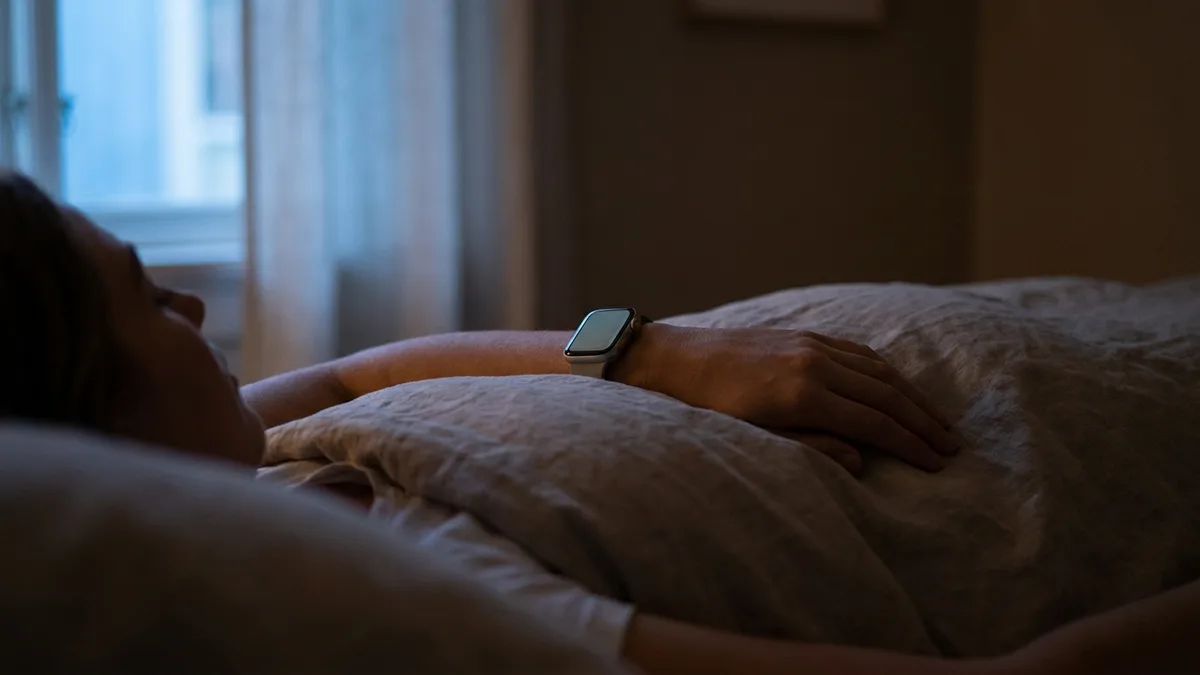
The Best Sleep Tracking Apps for Apple Watch in 2026
Apple’s native Sleep Score is finally good — so do you still need a third-party app? We rank the best sleep tracking apps for Apple Watch in 2026, from AutoSleep to Livity, on detail, price and what you’ll actually do with the data.




- Apple Watch (native watchOS)
The Best Recovery & Readiness Apps of 2026
Recovery scores used to mean a $239/year strap or a ring with a monthly fee. We ranked the best recovery and readiness apps of 2026 — and the top pick for Apple Watch owners costs nothing to start.

- Apple Watch (native watchOS)
The Best Recovery Apps for Apple Watch in 2026
From Apple’s built-in tools to dedicated apps, here are the best recovery and readiness apps for your Apple Watch in 2026 — and how to pick the right one.