Do You Still Need WHOOP If You Own an Apple Watch? (2026)
How do we vet apps & products? Learn more.
Apple Watch vs WHOOP is the question almost every recovery-tracking shopper eventually hits: you already wear a capable health device on your wrist, so why pay $199–$359 a year to strap a second, screen-less one next to it?
The honest 2026 answer is that the two devices overlap far more than WHOOP's marketing suggests. Recovery, strain, sleep stages and HRV are no longer exclusive to a dedicated strap — your Apple Watch has the sensors, and the right app turns them into the exact scores WHOOP charges a subscription for. There are still real reasons to choose WHOOP, but for most people they're narrower than you'd think.
Let's break down where each one wins, then look at the setup we'd actually recommend.
The Short Version
If you own an Apple Watch, you already paid for the hardware that does 90% of what WHOOP does. Pair it with a companion app like Livity and you get a daily Recovery score, Body Battery, Sleep stages, HRV trends and Training Load — on a free core tier, with no subscription and no data leaving your phone.
WHOOP still makes sense for one specific buyer: someone who wants a screen-free strap with 14+ day battery that they genuinely never take off. That comfort-and-battery combination is real, and the Apple Watch can't match it. But it's a hardware preference, not a data advantage — and it comes with a permanent subscription attached.
Editor's Choice |  | |
|---|---|---|
| Brand | Apple Watch + Livity | WHOOP 5.0 |
| Rating | 4.8 / 5 | 3.9 / 5 |
| Key features |
|
|
| Pros |
|
|
| Cons |
|
|
| Price | Free — full core; Premium $39.99/yr (~$3.33/mo) optional | $199–$359/year (subscription, device included) |
| Get Livity Free | Visit WHOOP |
What WHOOP Actually Measures
WHOOP 5.0 is a small, screen-free band that tracks your physiology 24/7 and rolls it up into three headline numbers:
- Recovery — a morning readiness score (0–100%) built from HRV, resting heart rate, sleep performance and respiratory rate.
- Strain — a 0–21 cardiovascular-load scale that climbs as your heart rate spends time elevated.
- Sleep Performance — hours slept versus needed, plus consistency, efficiency and sleep stages.
It does these well. The band is light, the 14+ day battery means it's almost always on, and the coaching is polished. The catch is the business model: WHOOP is subscription-only. There's no buy-it-outright option. In 2026 that's $199/year for WHOOP One, $239/year for Peak, and $359/year for Life — and if you stop paying, the band stops working and your insights go behind a paywall.
For a deeper look at the device on its own terms, see our full WHOOP review.
What Your Apple Watch Already Has
Here's the part WHOOP would rather you didn't dwell on: the Apple Watch carries the same class of sensors WHOOP uses — an optical heart-rate sensor, an accelerometer, and a wrist-temperature sensor — and watchOS now exposes a lot of this natively:
- Training Load compares recent workout intensity to your previous weeks (a strain-style measure).
- The Vitals app logs overnight heart rate, respiratory rate, wrist temperature and sleep, and flags outliers.
- Sleep stages break the night into REM, core and deep sleep.
The genuine weakness is that Apple scatters these across multiple apps with no unifying number. There's no single "you're 64% recovered, take it easy today" score, and no Body Battery–style gauge. That's the one real thing WHOOP gives you that a stock Apple Watch doesn't — and it's exactly the gap a companion app closes.
The Setup We Recommend: Apple Watch + Livity
Livity is the software layer that turns the Apple Watch you already own into a full WHOOP-style recovery tracker. It reads your Apple Health and HealthKit data and converts it into the scores people actually buy WHOOP for:
- Recovery score — a daily readiness number from HRV, resting heart rate and sleep quality.
- Body Battery — an energy gauge that shows how your day drains and recharges you.
- Sleep stages + Sleep score — a clear nightly breakdown and a single quality number.
- HRV trends — nightly HRV with context, not just a raw figure.
- Training Load — strain tracking with overtraining warnings.
- Stress monitoring and Fitness Age for the full picture.
Two things set this apart from the strap. First, price: Livity's core tier — recovery, sleep, HRV and Body Battery — is free, with no account required. Premium (deeper analytics, longer history) is $39.99/year (about $3.33/month) if you want it, but you're never forced onto a subscription to see whether you're recovered. Second, privacy: your health data stays on-device. There's no cloud account to create and nothing leaving your phone.
And because it lives on the Apple Watch, you get something WHOOP structurally can't offer: a full-color screen on your wrist. Glance down, see your recovery — no reaching for your phone.
Where WHOOP Still Wins (Honestly)
We're not going to pretend the strap has no edge. If any of these matter more to you than cost, WHOOP is a reasonable buy:
- Screen-free 24/7 comfort. The band is featherweight and easy to forget you're wearing — including in bed, in the shower, and under a dress shirt. Some people simply prefer that to a watch.
- Battery you never think about. 14+ days per charge means it almost never comes off, so your overnight data has no gaps. An Apple Watch runs roughly 18–36 hours depending on the model, so you'll be working a charging habit (many people top up while showering) to capture every night.
- Recovery-first focus. WHOOP is built around recovery and won't tempt you with notifications, apps and watch faces. For some, that single-mindedness is the point.
None of these are about better data — they're about form factor and battery. If you'd happily charge your watch each morning and you like having a screen, none of them apply to you.
Cost Over Three Years
This is where the gap gets stark. Assuming you already own an Apple Watch:
| Option | Year 1 | Year 2 | Year 3 | 3-Year Total |
|---|---|---|---|---|
| WHOOP One | $199 | $199 | $199 | $597 |
| WHOOP Peak | $239 | $239 | $239 | $717 |
| WHOOP Life | $359 | $359 | $359 | $1,077 |
| Apple Watch + Livity (free tier) | $0 | $0 | $0 | $0 |
Even if you don't own an Apple Watch yet, the math is friendly: an Apple Watch SE 3 starts around $229 as a one-time purchase — less than two years of WHOOP One — and then your recovery tracking is free from there with Livity's core tier.
How to Choose
Choose Apple Watch + Livity if you already own an Apple Watch (or are happy to buy one once), you want recovery, strain, sleep and HRV without a recurring subscription, and you'd rather your health data stayed on your device. This is most people.
Choose WHOOP if you specifically want a screen-free strap with multi-week battery that you genuinely never take off, and the ongoing $199–$359/year subscription doesn't bother you.
If you're cross-shopping more broadly — rings, Garmin, screen-free straps — our best WHOOP alternatives guide lays out every option side by side.
The Verdict
For the vast majority of Apple Watch owners, the answer to "do I still need WHOOP?" is no. The strap's advantages are real but narrow — comfort and battery life — and they're hardware preferences, not better insights. The recovery score, the strain number, the sleep stages, the HRV trends: your Apple Watch already collects the signals, and Livity turns them into the exact dashboard WHOOP sells, on a free core tier, with nothing leaving your phone.
That's why Livity is our Editor's Choice here, rated 4.8/5 — it delivers WHOOP-level recovery tracking using hardware you likely already own, with no subscription required to get started.
Already wearing an Apple Watch? Skip the strap and the yearly fee. Get Livity free on the App Store → and turn the watch on your wrist into a full recovery, sleep and strain tracker today.
Sources
- 1.WHOOP Membership Pricing— WHOOP Support, 2026
- 2.WHOOP Membership Options — Compare Plans & Features— WHOOP, 2026
- 3.Buy Apple Watch SE— Apple, 2026
Frequently Asked Questions
- Can an Apple Watch replace WHOOP?
- For most people, yes. The Apple Watch has the sensors WHOOP relies on — optical heart rate, accelerometer and wrist temperature — plus native Training Load and sleep stages in watchOS. The gap is that Apple spreads these across several apps with no single recovery score. A companion app like Livity reads that Apple Health data and turns it into a daily Recovery score, Body Battery, Sleep score, HRV trends and Training Load, which is the experience most people actually want from WHOOP.
- Is WHOOP still worth it if I have an Apple Watch?
- WHOOP is worth it if you specifically want a screen-free strap you never have to think about and 14+ days of battery so it never dies overnight. If you mostly want the recovery, strain, sleep and HRV insights themselves, your Apple Watch plus an app already delivers them — without a $199–$359/year subscription.
- How much does WHOOP cost in 2026?
- WHOOP is subscription-only. WHOOP One is $199/year, Peak is $239/year and Life is $359/year, with the device included in the membership. There is no buy-it-outright option — if you stop paying, the band stops working.
- Does Apple Watch track recovery and strain like WHOOP?
- The raw signals are there. watchOS includes Training Load (a strain-style measure) and the Vitals app tracks overnight heart rate, respiratory rate, wrist temperature and sleep. What Apple does not give you out of the box is a single recovery or readiness number. Apps such as Livity calculate that daily Recovery score and a Body Battery from the same Apple Health data.
- Do I need a subscription to track recovery on Apple Watch?
- No. Livity keeps core tracking — Recovery score, Sleep score, HRV and Body Battery — on a free tier with no account required. A premium tier ($39.99/year, about $3.33/month) adds deeper analytics and longer history if you want it, but the essentials stay free.
Related reading
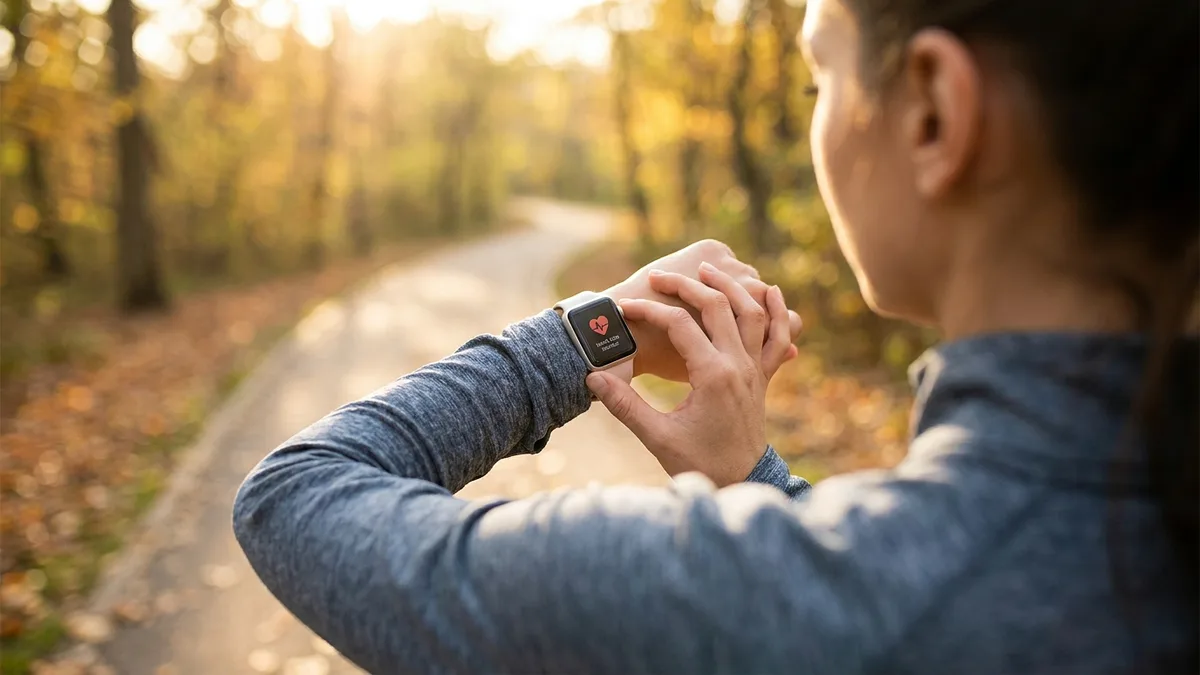
- Apple Watch (native features)


Best WHOOP Alternatives in 2026 (No Subscription Required)
WHOOP starts at $199/year and you never own the band. Here are the best WHOOP alternatives for recovery, strain and sleep tracking in 2026 — including options with no subscription at all.
- Apple Watch (native features)


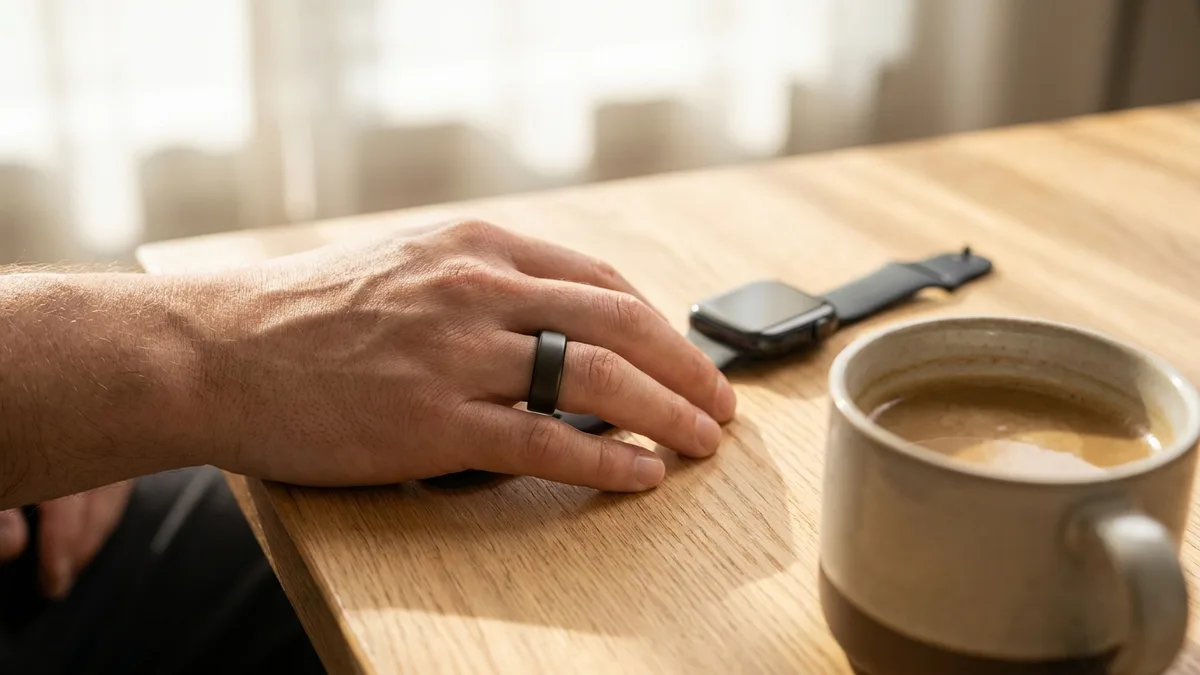
Best Oura Ring Alternatives in 2026
The Oura Ring 4 costs $349+ and locks its best insights behind a $5.99/month membership. Here are the best Oura Ring alternatives in 2026 — including one that needs no ring and no subscription at all.
- Apple Watch (SE 3 / Series 11)
WHOOP vs Oura vs Apple Watch (2026): Which Should You Buy?
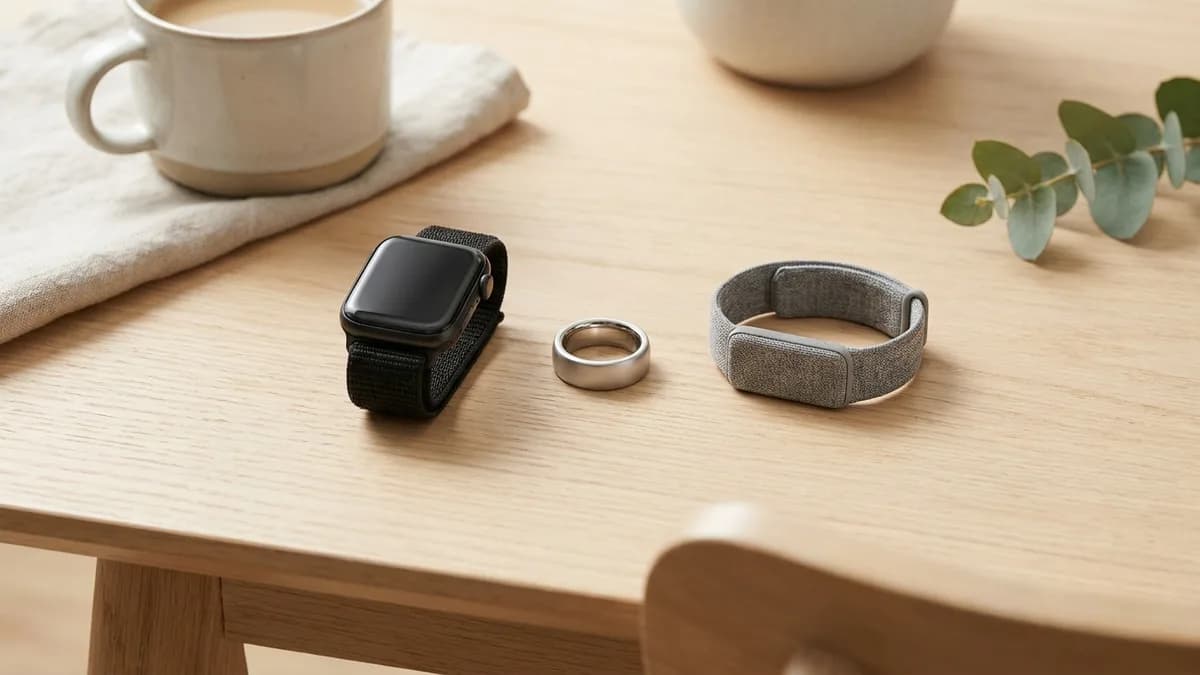
Three of the biggest recovery trackers, three very different business models. We break down 2026 prices, subscription terms, and which one actually fits your life — including why the Apple Watch you may already own is the smartest buy for most people.